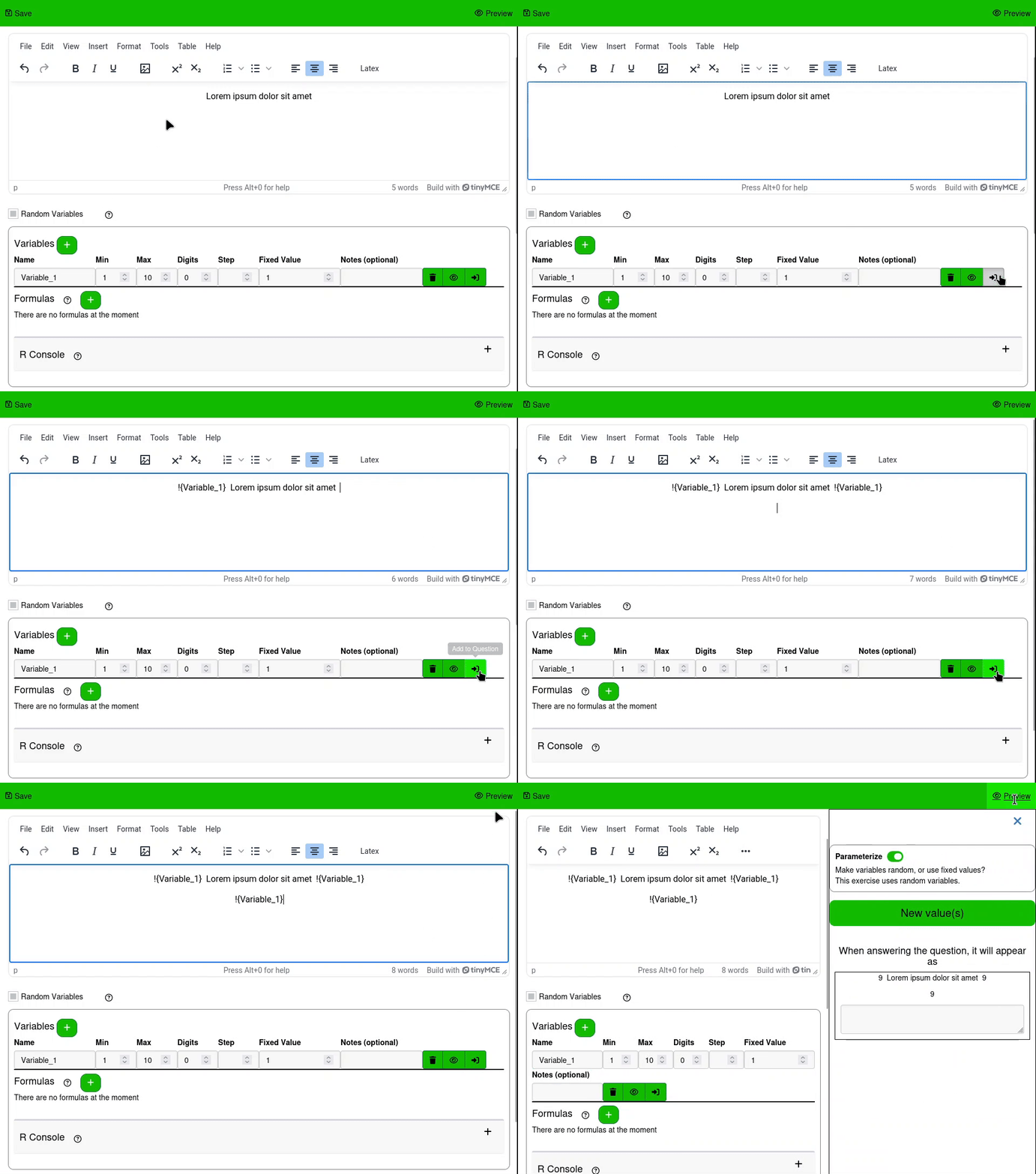
Variables are configurable random numbers for Questions, created in Question Writing pages. They can be created by pressing the Add New Variable button in the Random Variables section.
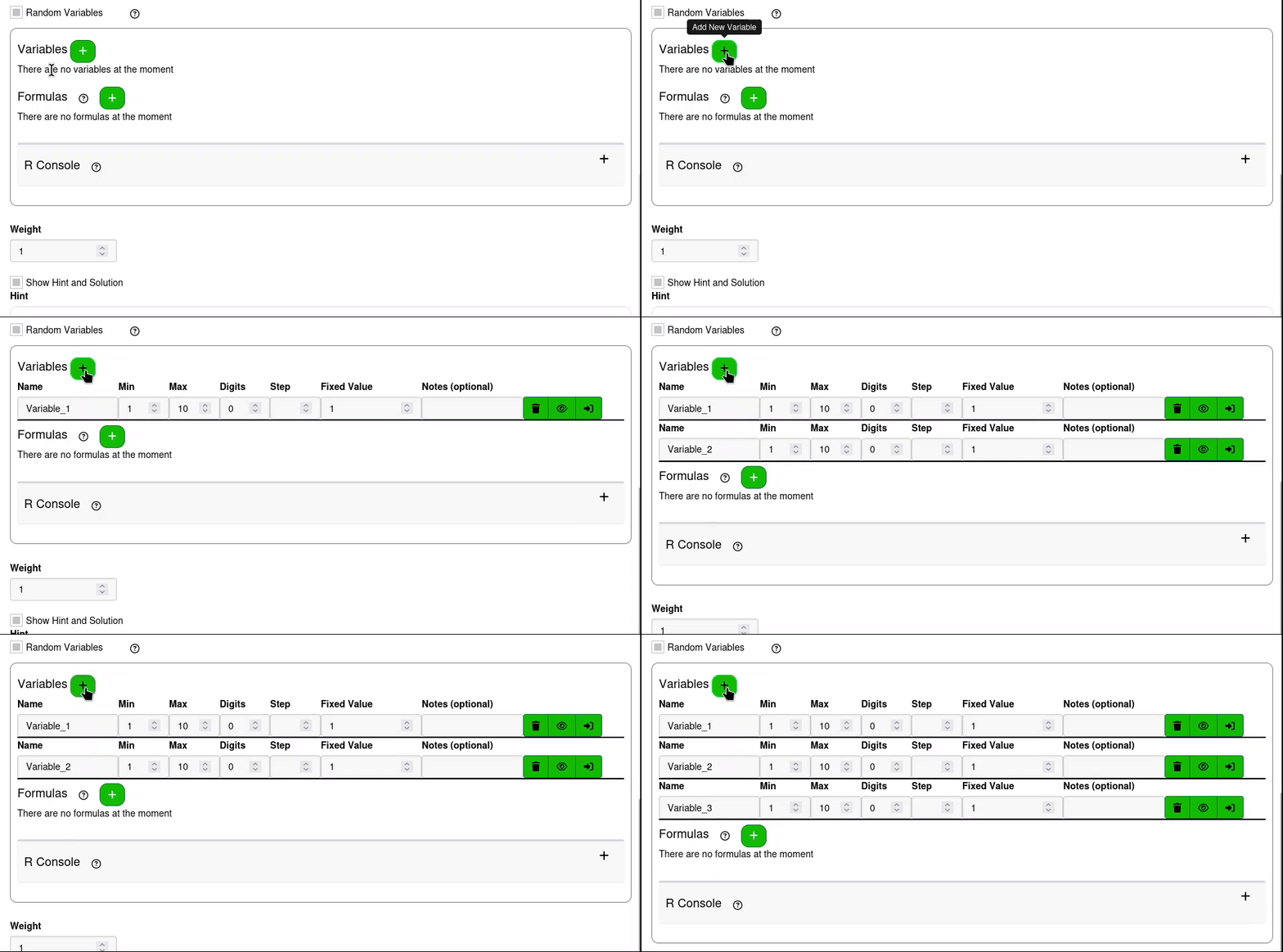
¶ Variable arguments
Each row of the variables section is used to define a sequence of numbers that the variable is randomly selected from. Each one has the following fields
¶ Name
The name is used to substitute variables into text in questions and to use variables in Formulas.
Variables names must be unique, and cannot be the same as the names of any other variables or formulas.
¶ Min
The minimum value the random variable can be.
¶ Max
The maximum value the random variable can be.
¶ Digits
This value is passed to R's round function. The value is rounded to the nearest integer when used. It indicates the number of decimal places to round the random value to. A digits value of 2 will round to the nearest 100th. A digits value of -1 will round to the nearest 10.
¶ Step
This is an optional value that provides a second way to round the random values. This rounds them to the nearest number provided as the step.
If the step is missing, random numbers are calculated using R's runif function with the code
runif(round(value), min, max)
If the step is provided, random numbers are calculated with the code
round(runif(value, 0, max - min) / step) * step + min
¶ Fixed Value
Fixed Value is used for exercises where the Parameterize Questions setting on the Assignment Settings page is set to false. When that setting is false, the fixed value used instead of generating a random value with the other values provided.
¶ Notes
Notes is an optional column that does not change the behavior of the random variable. It is intended to be used as a reminder of any important information that is needed to keep in mind when considering the variable, similar to comments when programming.
¶ Variable actions
At the right end of the row there are three actions that can be taken for every variable, each with its own button.
¶ Remove
Removes the variable from the question
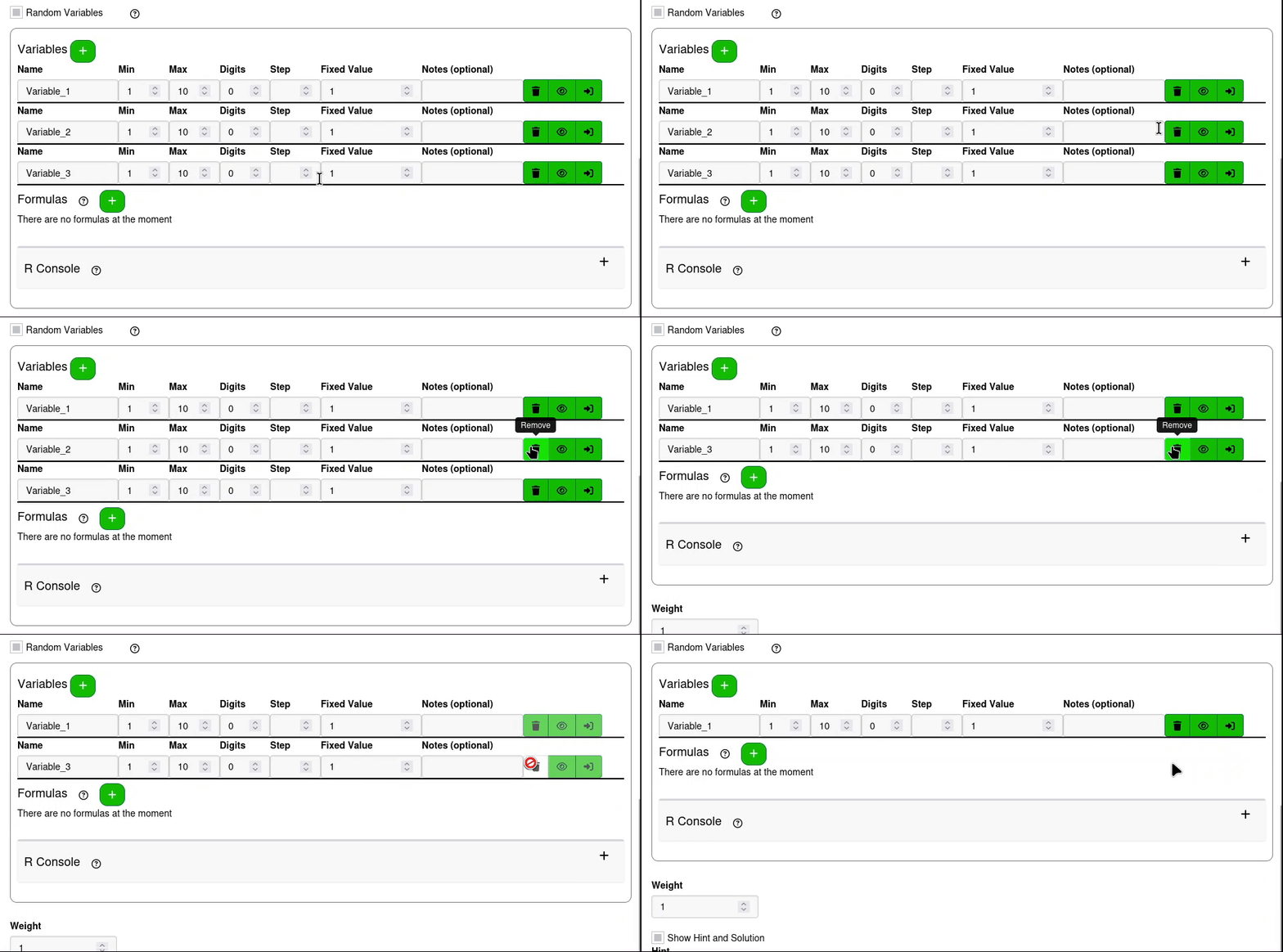
If there is a function that uses the name of a variable that has been removed, the function will no longer be valid, and will need to be updated or removed.
¶ Preview
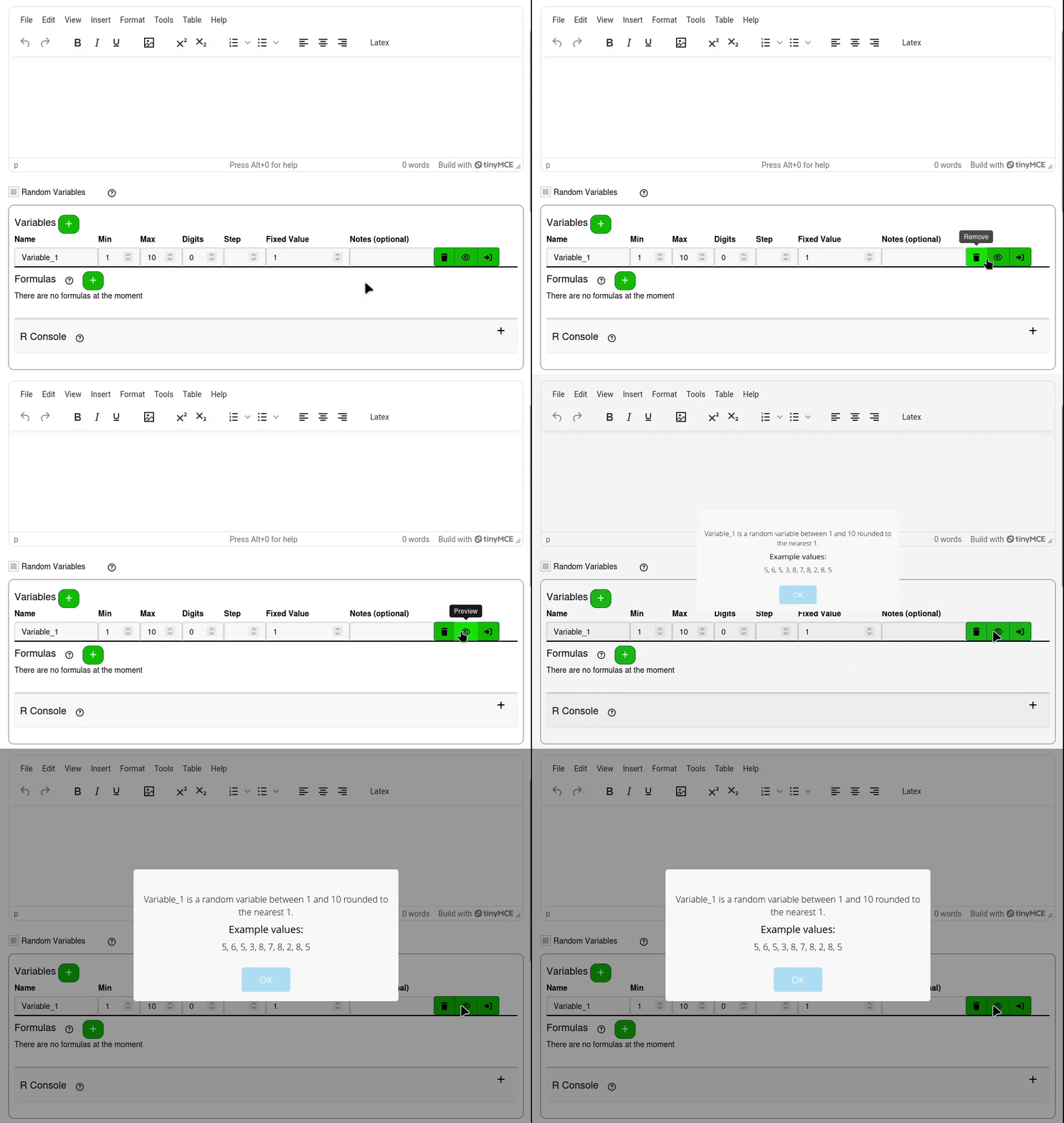
Displays a list of possible values the variable can take
¶ Add to Question
To render variables in the text displayed for a question, the substitution syntax needs to be used. The name of the variable needs to be surrounded by !{ and } in the text that the variable is going to be displayed in. To simplify this, the Add to Question button will insert the variable with the substitution syntax into the question input at the position of the cursor.