¶ Navigating to the page
- From the Dashboard, go to either the Homework & Quizzes tab or the In Class Exercises tab
- Create a new Exercise or edit an existing exercise
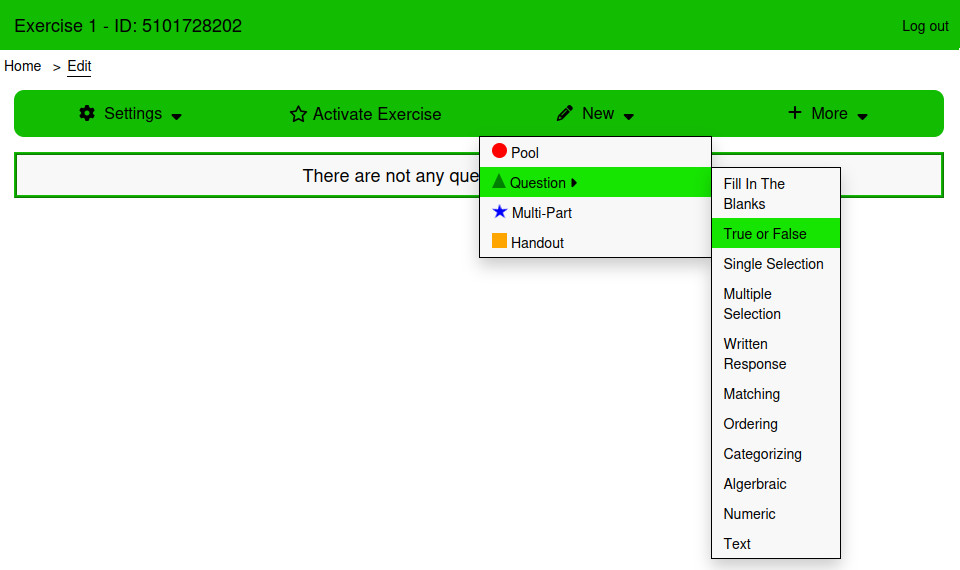
- From the Edit page, Click New → Question → True or False
¶ Using the page
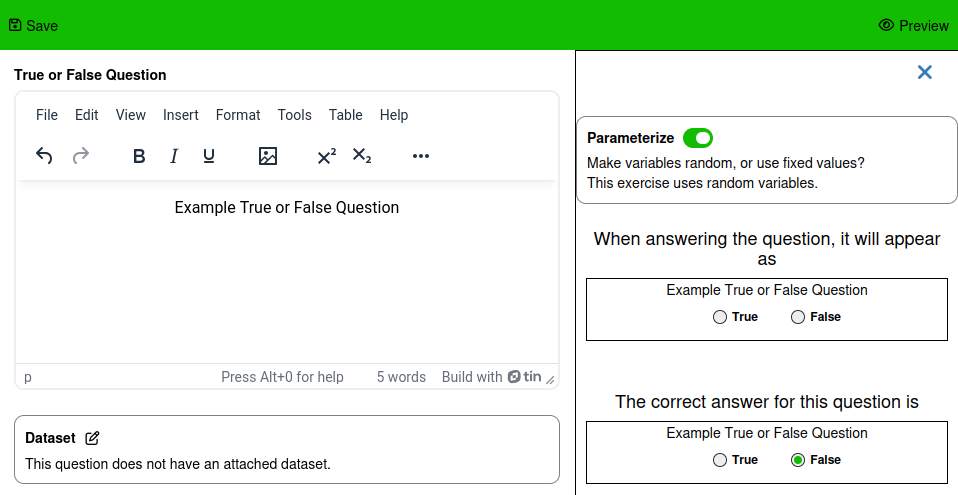
The True or False question does not have any settings. The Correct answer can either be True (Yes) or False (No).
¶ Style
¶ Answer Style
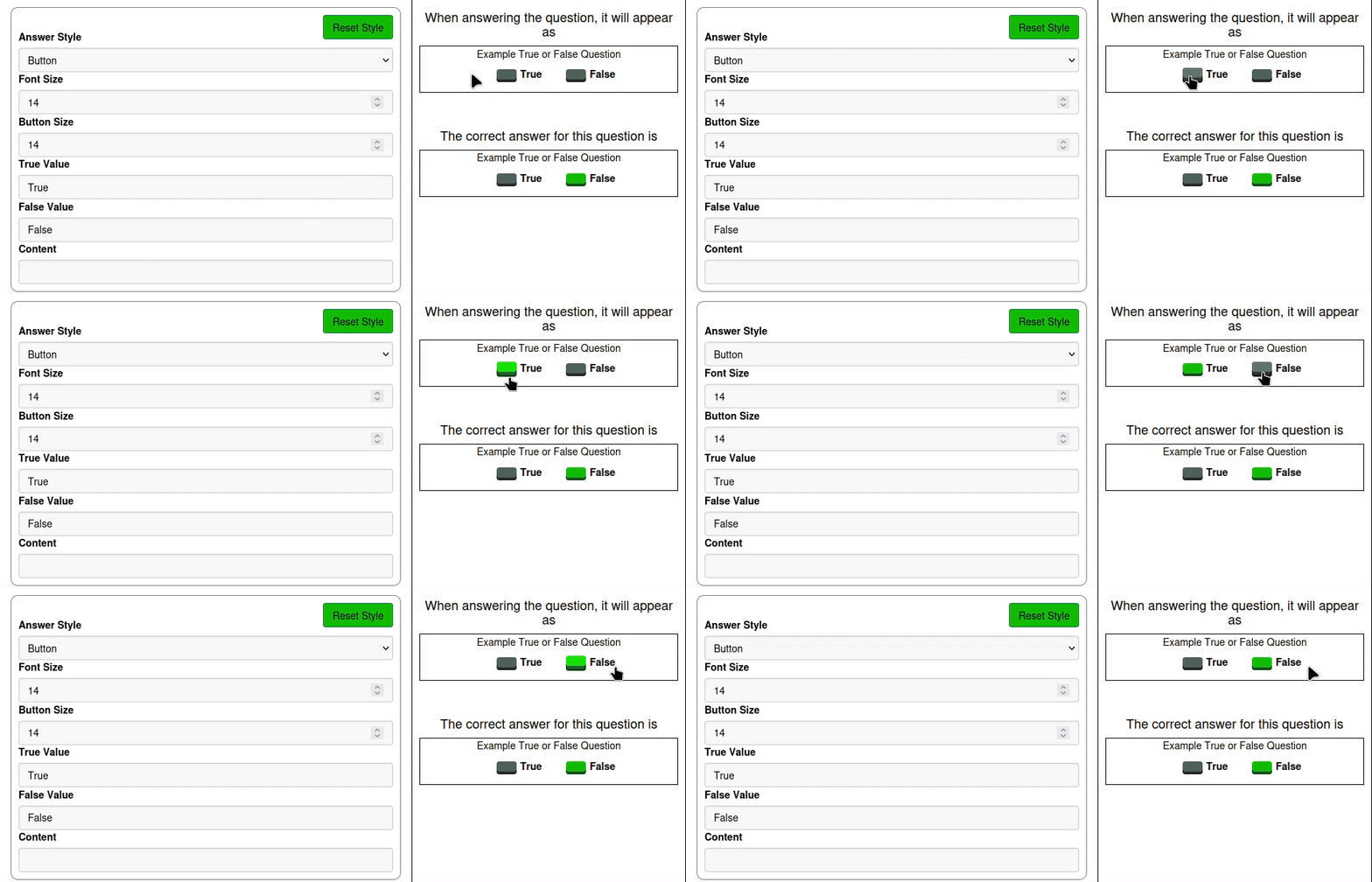
Select between the Default, Border, and Button styles.
¶ Font Size
the font size of the text for each answer
¶ Button Size
The size of the radio buttons next to the answers
¶ True Value
Text next to the True option
¶ False Value
Text next to the False option
¶ Examples
This example will display different styles of a simple question.
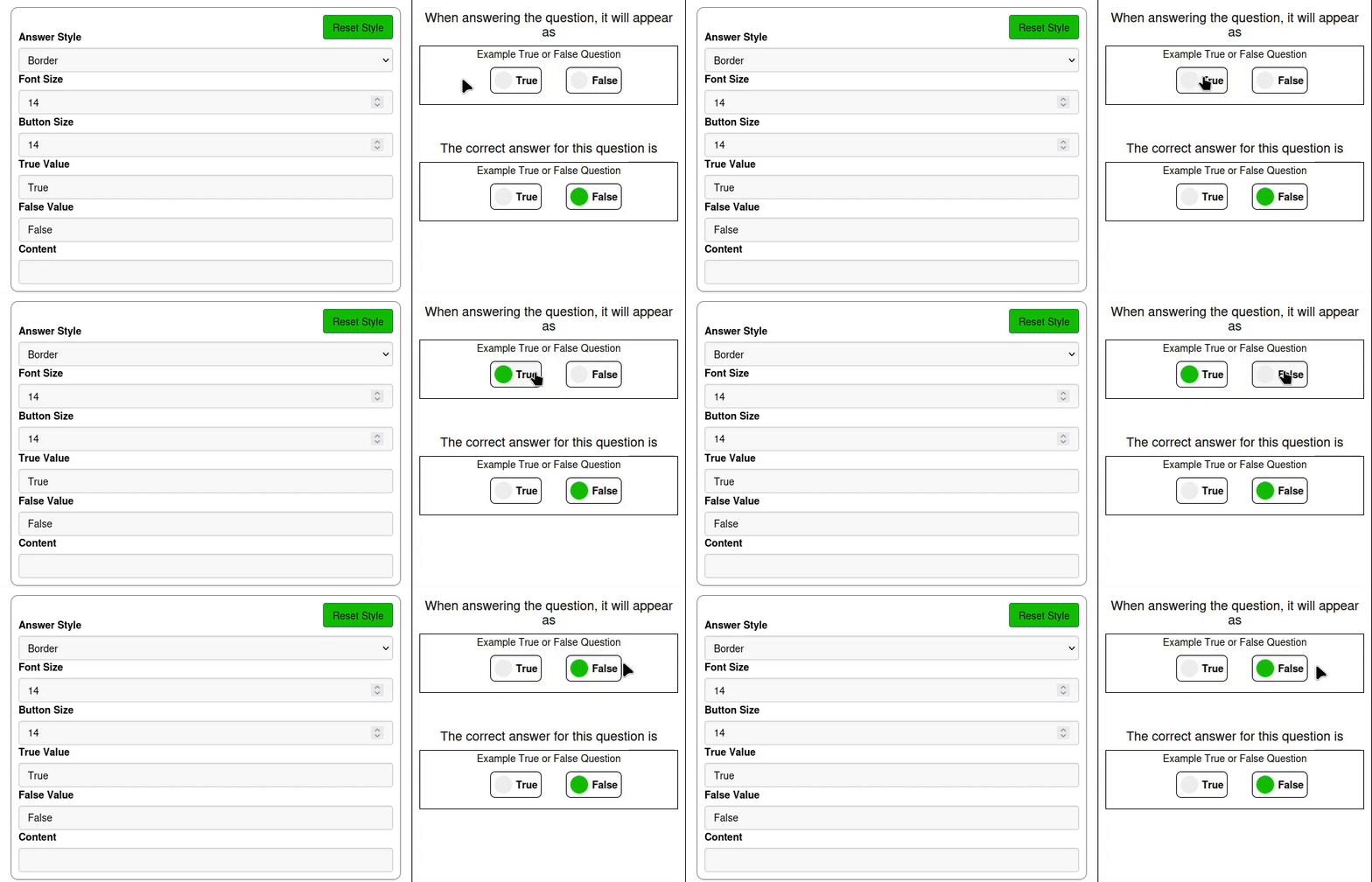
The Border style surrounds each answer with a border, uses a grey circle to indicate a not selected answer, and a green circle to indicate the selected answer.
The Button style replaces the radio button in the default option with a flat button.
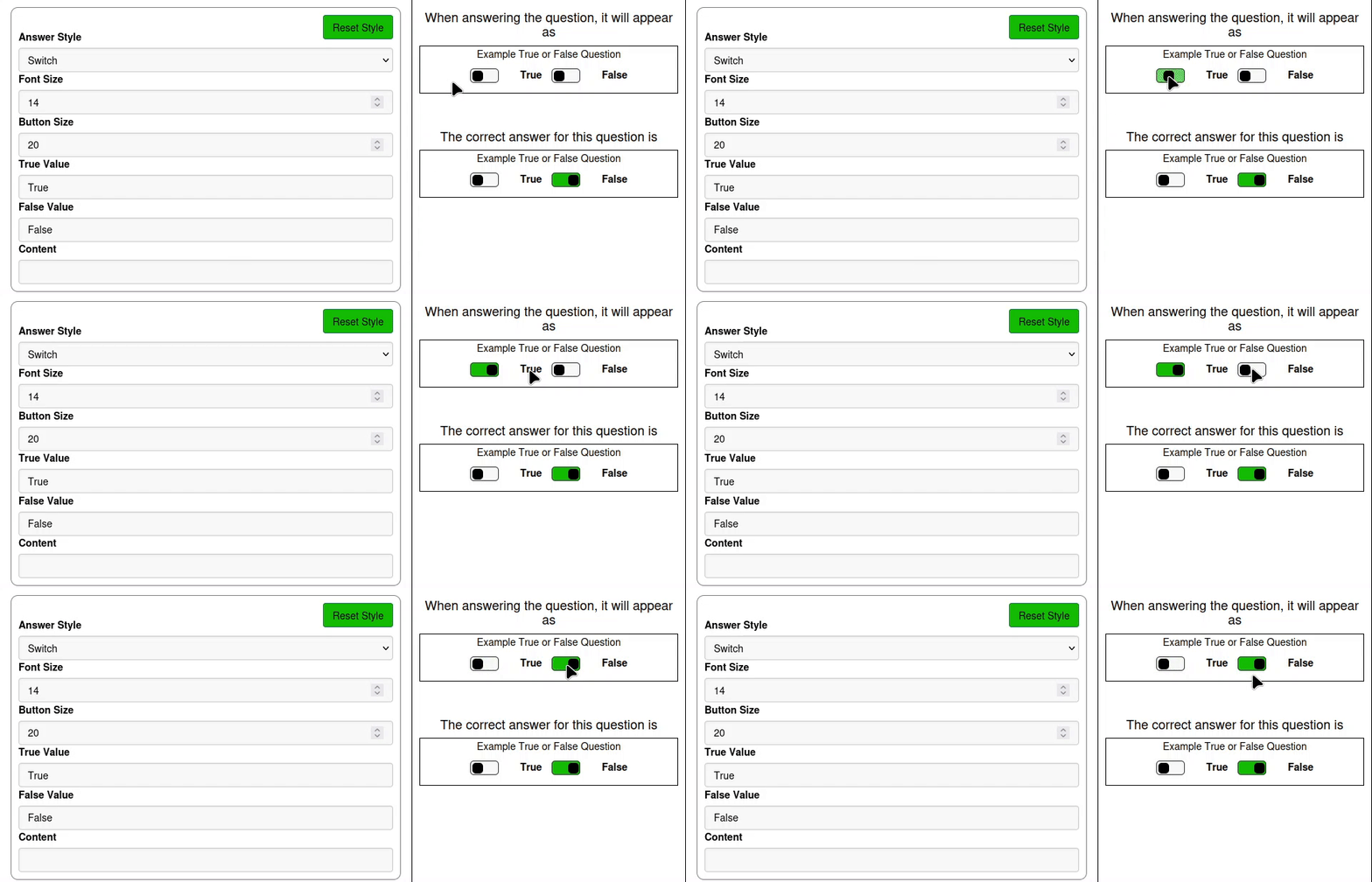
The Switch button style replaces the radio button in the default option with a switch.