¶ Navigating to the page
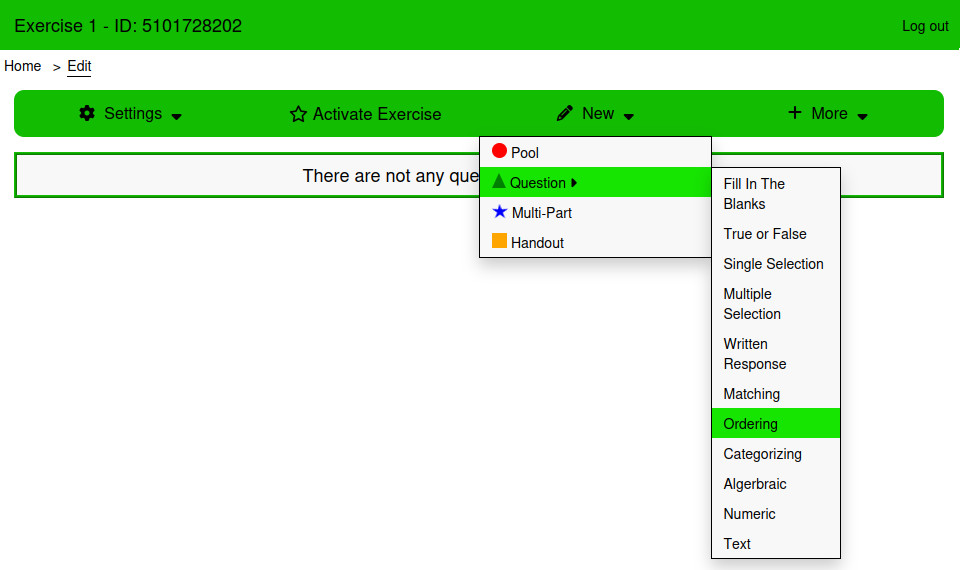
- From the Dashboard, go to either the Homework & Quizzes tab or the In Class Exercises tab
- Create a new Exercise or edit an existing exercise
- From the Edit page, Click New → Question → Ordering
¶ Using the page
¶ Answers
The answers table is used to create the answers that students will order. Answers cannot be empty when saving a Multiple Selection Question. The table is sortable. The order of answers can be changed by clicking and dragging the bars icon next to the answer input.
The order that the answers are saved in is the correct answer for this question type.
¶ Settings
¶ How is this question graded?
There are four ways that Multiple Selection questions can be graded:
¶ Equally Weighted
Marks are evenly distributed across all answers. Learners earn part marks for each correctly ordered answer.
¶ All or Nothing
Full marks are provided only if every answer is in the correct order.
¶ Right Minus Wrong
Marks are evenly distributed across all answers. Learners earn part marks for each correctly ordered answer. Learners lose points for incorrectly ordered answers. Learners cannot receive less than 0 marks.
¶ Number of Moves Away
The minimum number of moves to get the correct answer is calculated. Students receive full marks, and then lose part marks for each move needed to go from their answer to the correct answer.
¶ Style
¶ Answer Style
Select between the Default and Alternating styles.
¶ Font Size
The font size of the text in the answer input.
¶ Border Radius
Used to control the roundness of the answer input.
¶ Vertical Padding
The vertical padding of the select inputs.
¶ Horizontal Padding
The horizontal padding of the select inputs
¶ Option Spacing
The spacing between each option in the question.
¶ Examples
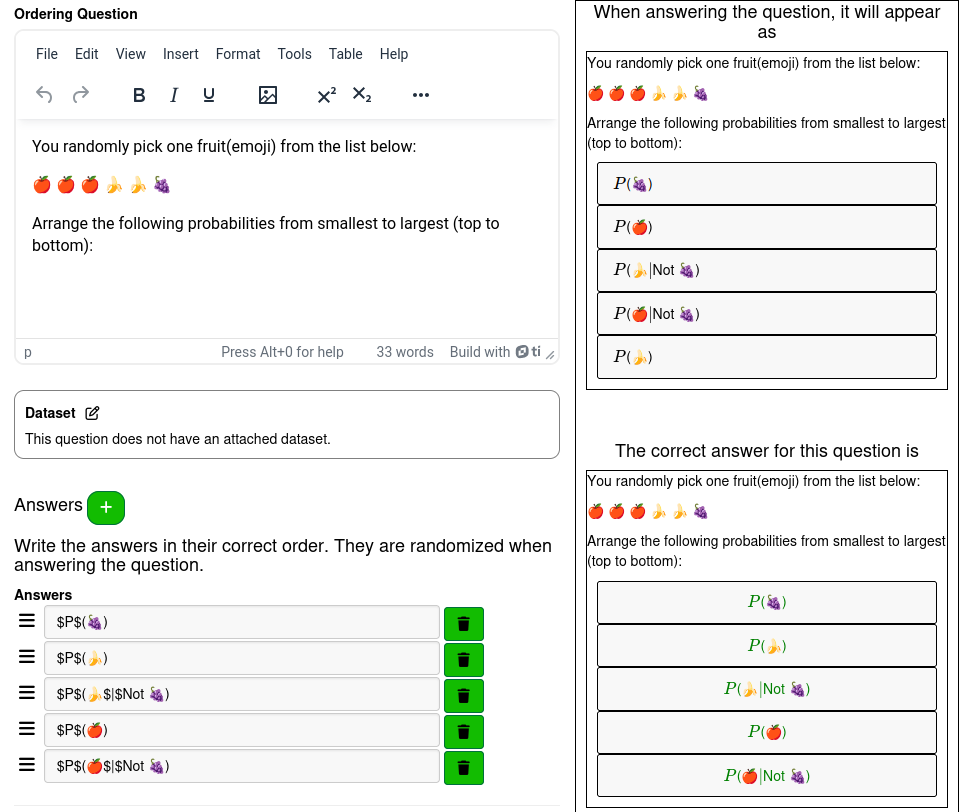
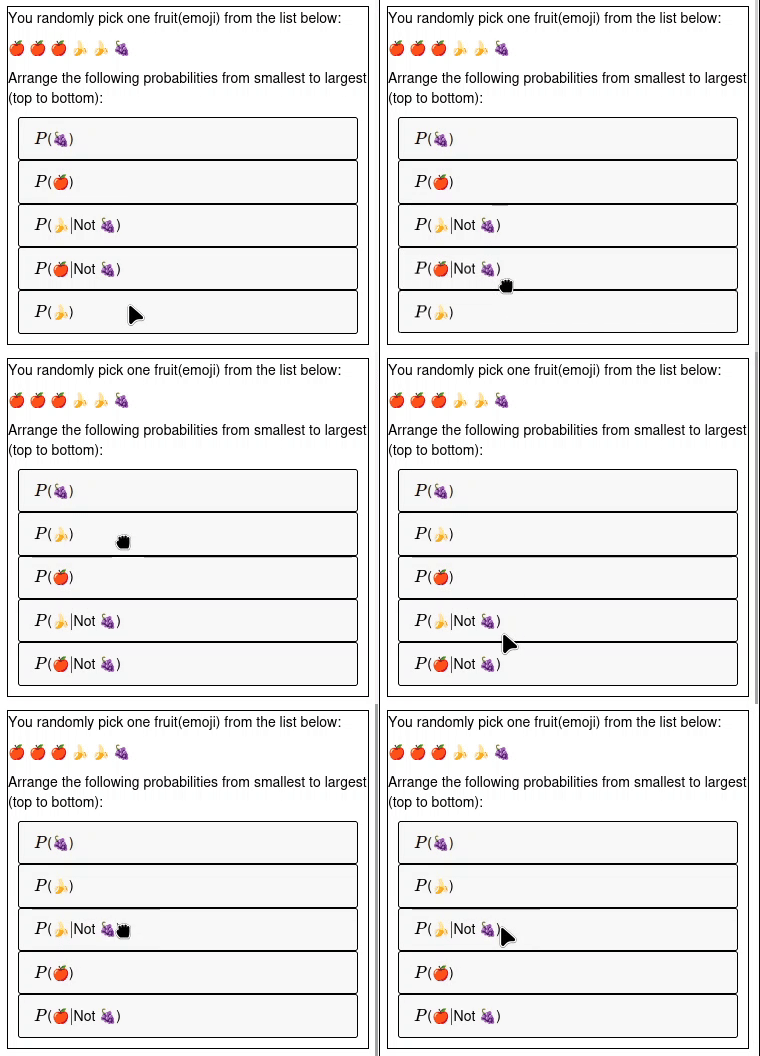
This question is answered by dragging the answers into their correct order.
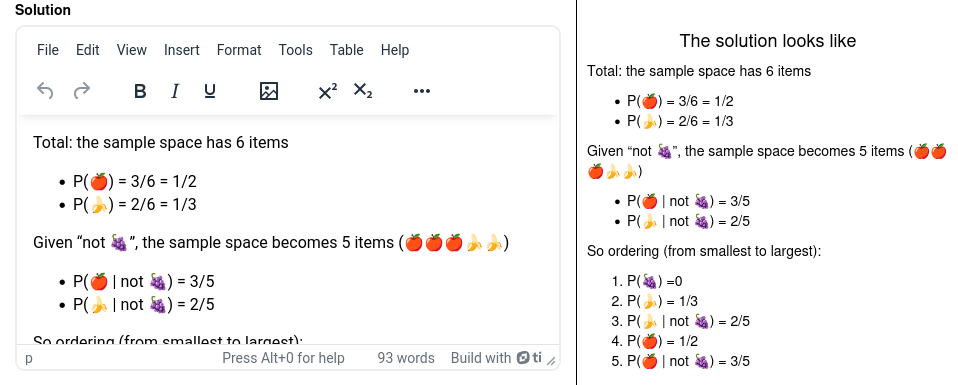
The Solution for the example is provided below